

Neoprene, Nylon or Leather? The Most Protective Laptop Sleeve Materials, Compared
So you've got a shiny new laptop (or MacBook), and you already know you want a laptop sleeve to keep it safe. Smart move. Once you start shopping, you see many options like neoprene, nylon, leather, and recycled fabric. This can make a simple choice feel overwhelming.
Here's the thing nobody tells you up front: "most protective" isn't one single quality. A material can be brilliant at cushioning drops but mediocre against a spilled coffee. Another can look gorgeous and feel premium, yet weigh down your bag.
So instead of picking one winner, this guide compares the three most popular materials. It focuses on what matters most: impact, water resistance, scratch protection, weight, and durability. By the end, you'll know exactly which protective laptop sleeve material is right for you and why. Let's make this an easy decision.
The Quick Answer (If You're in a Hurry)
No time to read everything? Here's the short version:
-
Best all-round protection → Neoprene. Soft, cushioned, and naturally water-resistant. The safe everyday choice.
-
Best slim profile + water resistance → Nylon. Lightweight, tough, and barely adds bulk to your bag.
-
Best premium look → Leather. Professional and beautiful, with a structured feel — just a little heavier and pricier.
Still deciding? The full comparison below breaks down exactly why, and which one fits how you carry your device. Browse the full range any time over at the UNIQ laptop sleeve collection.
At-a-Glance: Neoprene vs Nylon vs Leather
|
Factor |
Neoprene |
Nylon |
Leather |
|
Impact / cushioning |
High |
Medium |
Low–Medium |
|
Water resistance |
Good |
Excellent |
Poor (unless treated) |
|
Scratch resistance |
Medium |
High |
Medium (shows wear) |
|
Slimness / weight |
Medium |
Slim & light |
Heaviest |
|
Durability / aging |
Can stretch over time |
Extremely durable |
Ages into a patina |
|
Look / style |
Casual, sporty |
Modern, minimal |
Premium, professional |
|
Price |
$ |
$ |
$$$ |
|
Sustainability |
Synthetic |
Recycled (rPET) options exist |
Synthetic |
Keep this table in mind as we go — the rest of the guide explains the "why" behind each rating so you can weigh them against your own needs.
The Three Materials, Head-to-Head
Neoprene — The Cushioned All-Rounder
You've probably touched neoprene before without realising it — it's the same springy, rubbery material used in wetsuits. That's exactly why it's so good at protecting laptops.
Its biggest strength is shock absorption. That soft, foamy layer cushions your device from everyday bumps and knocks in your bag. It handles desk drops, train jolts, and tight squeezes between books.
Neoprene also stretches, so it hugs your laptop in a snug, secure fit with no rattling around. And because it's a synthetic foam, it naturally shrugs off light splashes and rain.
The trade-offs? It can feel a touch bulkier than slim fabric sleeves, and the look leans casual rather than corporate. Cheaper versions can also feel spongy and thin, so quality matters here.
Best for: new laptop owners, students, and anyone who wants reliable drop protection without overthinking it. UNIQ's Cyprus neoprene laptop sleeves come in textured and smooth finishes and are water-resistant, if this sounds like your match.

Nylon — The Slim, Tough Minimalist
If you’re looking for durable protection without adding bulk, nylon is an excellent pick. A sleek, modern minimalist go-to for a reason.
Nylon is slim and lightweight, so it slides into a backpack or tote without adding noticeable bulk. Despite being thin, nylon is remarkably tough, resisting scuffs, abrasion, and tearing better than most fabrics. Highly water-resistant, making it a favourite for commuters and travellers in variable weather conditions.
It's also one of the most water-resistant options out there, making it a favourite for commuters and travellers who face unpredictable weather.
The one catch: on its own, nylon is less plushly cushioned than neoprene. That's why the good ones pair a nylon shell with a soft padded lining — giving you slimness and impact protection.
Best for: commuters, travellers, and anyone who values a low-profile, durable sleeve. Look at the slim Lyon nylon sleeve, or if you’d like a carry option with a strap, the Stockholm messenger laptop bag.
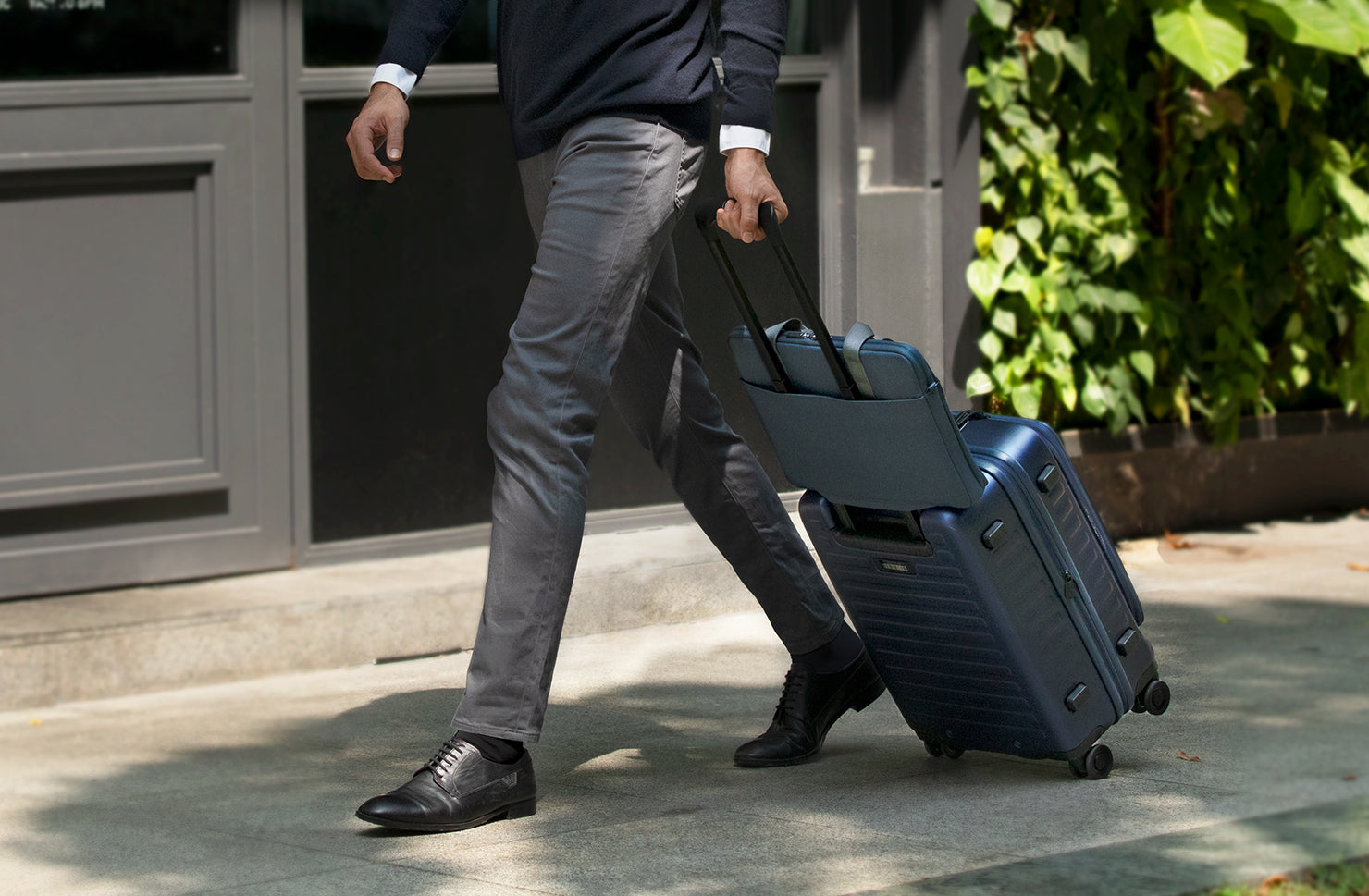
Leather — The Premium Statement
Leather is the material you reach for when you want your laptop sleeve to look as considered as the device inside it.
First, a quick breakdown: full-grain leather is a genuine natural material that ages beautifully over time. PU or "vegan" leather is a synthetic alternative — often more affordable and animal-free, but it wears differently. Knowing which you're buying matters.
Leather’s strengths are its premium, professional look and structured feel, which adds rigid protection around your device. And real leather only gets better-looking with age, developing a rich patina.
The trade-offs are real, though. Leather is the heaviest and usually the priciest option. Also sensitive to water unless treated, and requires occasional care to stay looking its best.
Best for: professionals, anyone who wants a refined aesthetic, and gift-givers, the Oslo foldable stand leather laptop sleeve combines premium protection with timeless, minimalist design

What About Other Materials?
Neoprene, nylon and leather aren't your only choices — here's where the rest fit, so you've got the full picture.
Manufacturers make recycled fabric (rPET) from post-consumer plastic, such as used bottles. It delivers solid protection and eco-credentials, making it a favourite for sustainability-minded buyers— see the Vienna recycled-fabric laptop sleeve.

Canvas is durable and casually stylish, but generally offers less water resistance than nylon.
EVA foam and hard-shell sleeves are the "armour" route — rigid, maximum-protection cases for people who are tough on their gear or travel constantly. They add bulk, but the peace of mind is unmatched. The Dfender laptop sleeve leans into this protective category.

Breaking Down "Most Protective"
Remember how we said protection isn't one thing? Let's break it into the parts that matter, so you can prioritise what's important for your life.
Impact & Drop Protection
This is about cushioning — how well the sleeve absorbs a knock or a short fall. Neoprene wins here thanks to its foamy give, with well-padded nylon close behind.
The key insight: padding matters as much as the material itself. A thin sleeve in any fabric won't save you from a hard drop, so look for a generous, cushioned lining.
Water Resistance vs Waterproof
Here's a distinction worth knowing, because it saves disappointment. Water-resistant means the material repels splashes and light rain — which is what most quality sleeves offer. Waterproof means fully sealed and submersible, which sleeves almost never are.
For everyday spills and drizzle, nylon and neoprene both perform well. Leather needs treatment to cope with moisture. Laptop sleeves offer limited water protection and are not suitable for puddle drops—opt for a waterproof case instead.
Scratch & Abrasion Resistance
Every day, your laptop goes in and out of a bag, rubbing against zips, keys and book corners. Nylon is the standout for shrugging off this kind of surface wear. Leather resists scratches reasonably but will show marks over time (some people love that lived-in look; others don't).
Slimness vs Protection
Bulky usually means safer, slim usually means less padding—but you don’t always have to choose. A quality nylon sleeve with smart padding offers both slim design and real protection. Just choose quality over cheap options.
Durability & How Each Ages
Think long-term. Nylon is the most durable day in, day out. Neoprene holds up well but can stretch slightly over years of use. Leather ages the most gracefully of all — if you maintain it — turning into something that looks better than the day you bought it.
Material Isn't Everything
Here's the honest truth that turns a good buyer into a great one: the material is only half the story. A premium fabric wrapped around poor construction will still let you down.
Focus on padding and lining thickness—that’s what actually protects against impact. Check for reinforced corners and edges, because that's where most damage happens during a drop.
Look at the closure type, too. Zips fully seal your device, as long as the interior lining prevents scratches. A magnetic flap is quick and clean but slightly less sealed. Neither is "wrong" — it's about your preference.
And the single most overlooked factor: fit. A sleeve that's too roomy lets your laptop slide and bang around; too small and you'll force it. A snug, correct fit protects far better than any material can on its own.
The takeaway: choose your material and your construction together. They work as a team.
Which Material Is Right for You?
Let's make this personal. Here's the best pick based on how you actually live with your laptop.
New laptop or MacBook owners: Start with neoprene or padded nylon. Both give you a balanced, forgiving first sleeve that's hard to regret.
Students & daily commuters: You need slim but cushioned for constant in-and-out carry. A padded nylon sleeve or a quality neoprene one is your sweet spot.
Travellers & digital nomads: Focus durability and water resistance — nylon or recycled rPET handles airports, cafés and unpredictable weather best.
Professionals & office workers: Go for leather or a refined, minimal nylon that looks the part in a meeting.
Design- & sustainability-conscious buyers: The real choice is between leather’s timeless look and recycled rPET’s eco-credentials. If you focus low impact, choose recycled fabric. If you value longevity and natural materials, choose well-cared-for leather. Decide based on what matters most to you.
Gift buyers: A leather or beautifully finished sleeve reads as genuinely considered. Just check the recipient's exact laptop model so you get the size right.
Sleeve vs Case vs Hard Shell vs Bag
Quick clarity on the options people mix up:
-
A sleeve is a soft, slim pouch your laptop slides into — the everyday standard.
-
A hard-shell case protects best, but it’s bulkier to carry.
-
A bag (like a messenger or backpack) carries your laptop plus your other stuff.
"Do I still need a sleeve if my backpack has a padded compartment?" Honestly, a sleeve is still worth it. Padded compartments help, but a dedicated sleeve adds an extra layer. It also lets you pull out your laptop safely without carrying the whole bag.
Layering a slim sleeve inside a bag is, for most people, the sweet spot of protection and convenience.

How to Choose: Your Quick Buying Checklist
Before you buy, run through this:
-
Correct size for your exact laptop model — not just "13-inch."
-
Genuine padding, not just a thin shell.
-
Water resistance if you commute or travel.
-
A closure you'll actually enjoy using (zip vs flap).
-
Reasonable weight for how much you carry it.
-
A warranty — a sign the brand trusts its own build.
Red flags of a cheap sleeve: thin, flimsy lining, a loose sloppy fit, and exposed metal zips that can scratch your device.
How to measure: check your laptop's official dimensions (or its model name, like MacBook Air 13") and match it to the sleeve's stated fit. When in doubt, size to the model rather than guessing by inches — manufacturers vary.
Caring for Your Sleeve (So It Lasts)
A little care keeps your sleeve — and the laptop inside it — protected for the long haul.
-
Neoprene: wipe down with a damp cloth; many can be gently hand-washed.
-
Nylon: spot-clean with mild soap and water; it dries fast.
-
Leather: keep it dry, wipe gently, and condition occasionally to prevent cracking.
A well-maintained sleeve stays snug and cushioned for years, continuing to protect your investment long after day one.
The Bottom Line
The truth is, there’s no single “most protective” material—only the right choice for your use case.
-
Want cushioned, fuss-free, everyday protection? Neoprene.
-
Looking for something slim, tough, and weather-ready? Nylon.
-
Want premium looks with a professional edge? Leather.
No single best protective laptop sleeve exists—just the one that matches how you carry your device. No more second-guessing, no more decision fatigue.
Ready to find yours? Explore the full UNIQ laptop sleeve collection and pick the material that fits your everyday.
Frequently Asked Questions
Which laptop sleeve material is the most protective?
+It depends on the threat. Neoprene absorbs drops, nylon handles water and scratches in a slim form, and leather delivers a structured, premium finish. For balanced everyday protection, neoprene or well-padded nylon are the safest bets.
Is neoprene better than nylon for a laptop sleeve?
+Neoprene offers more cushioning against impacts, while nylon is slimmer, lighter and more scratch- and water-resistant. Choose neoprene for drop protection; choose nylon for a low-profile, durable sleeve.
Are laptop sleeves waterproof?
+Most are water-resistant, not waterproof. They repel splashes and light rain but don’t handle submersion. For full protection from heavy water exposure, you'd need a dedicated waterproof case.
Is leather a good material for a laptop sleeve?
+Yes, if you value looks and longevity. Leather is premium, professional and ages beautifully, with a structured feel that protects well. The trade-offs are extra weight, a higher price, and the need to keep it dry and conditioned.
Do I need both a sleeve and a case?
+Not always, but layering a slim sleeve inside a bag or over a hard case adds extra protection and convenience. A sleeve also lets you carry just your laptop safely without the whole bag.
What's the best material for a MacBook sleeve?
+Most MacBook owners get the best balance of protection, slimness, and value from a snug neoprene or padded nylon sleeve. Go with leather for a premium, professional finish.
How to pick the right size laptop sleeve?
+Match the sleeve to your laptop’s exact model or measured dimensions, not just screen size. A snug fit protects best — too loose and your device slides around; too tight and it's a struggle to use.